
Platform / Organization Licensing
Licences, seats and devices under one account.
Central management for departments, labs and enterprise teams running multiple systems.
- Managed at
- account.emotiv.com
- Suits
- Departments, labs, enterprise teams
- Procurement
- Supports institutional purchasing
Session // recording
LiveSignal in
Stimulus timeline
Interpretation
- Attention
- 64
- Engagement
- 71
- Cognitive load
- 43
Selected moment: Stimulus B
01 // Workflow
What the software actually does.
Each step is a real state in the application, not a marketing stage.
- 01
Create the organization
Set up the account that holds every seat.
- 02
Assign
Give researchers licences and devices.
- 03
Review
Track what is in use across the group.
02 // Demonstration
One thing, shown working.
Diagram: seats and devices managed from one account
Session // recording
LiveSignal in
Stimulus timeline
Interpretation
- Attention
- 64
- Engagement
- 71
- Cognitive load
- 43
Selected moment: Stimulus B
03 // Hardware
Headsets this runs with.
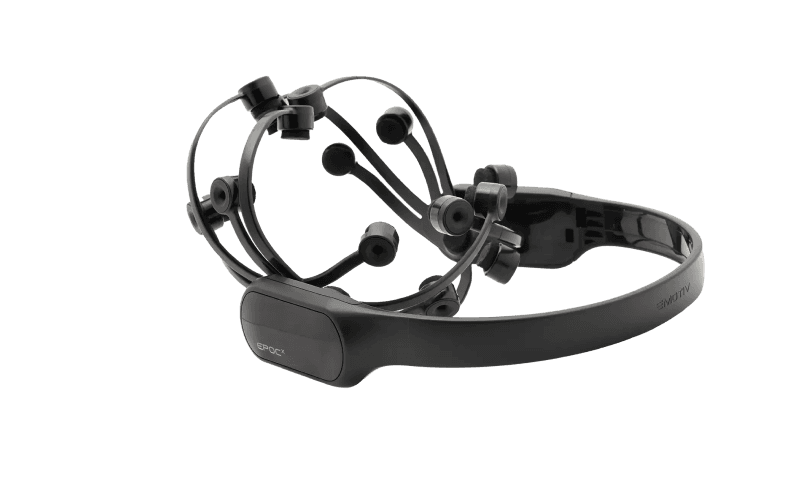
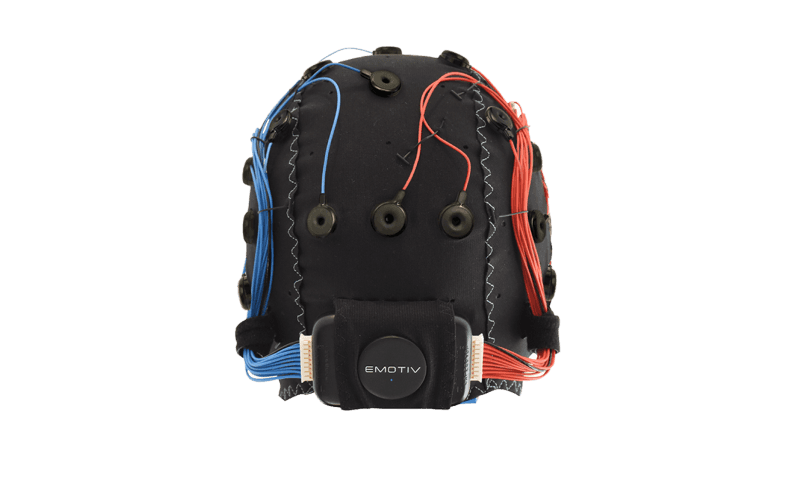
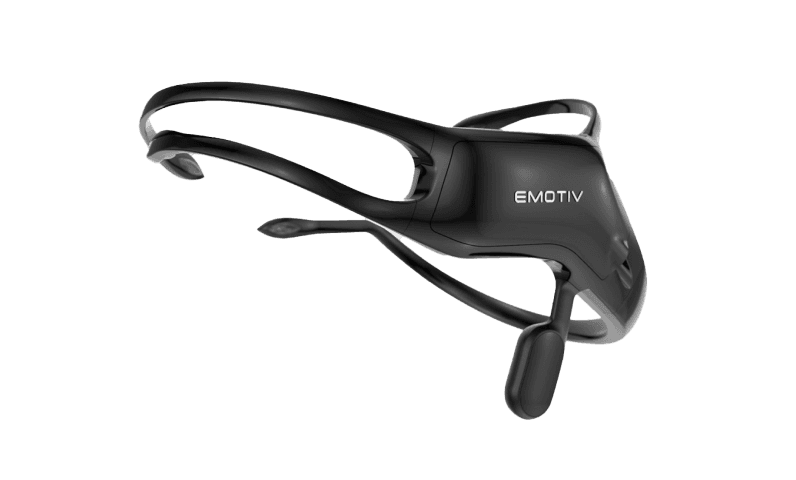
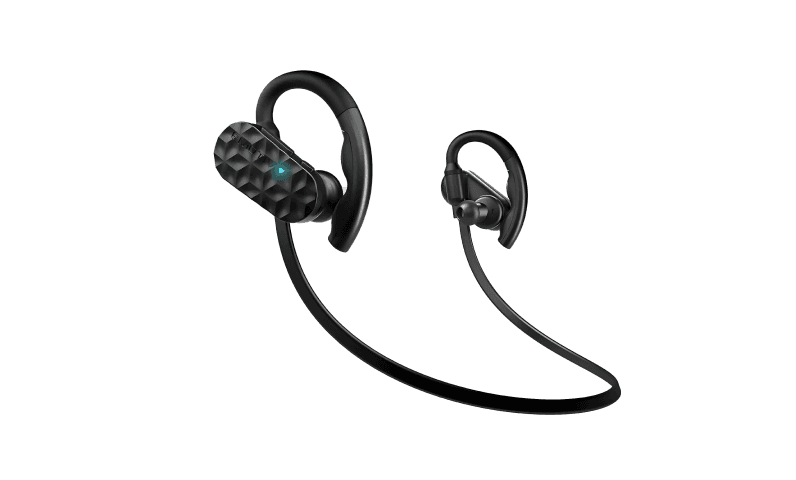
04 // Platform
The rest of the stack.
- DevelopersDocumentation, SDK access and working examples for teams putting EEG inside their own product.
- CortexA single API for raw EEG, motion, contact quality, performance metrics and trained mental commands.
- Cortex SDKLicensed access to the Cortex SDK for commercial and research applications.
- PartnersAgencies, research groups and product teams that run Emotiv hardware and software inside their own practice.
Run Organization Licensing.
Pair a headset in Emotiv Launcher, sign in with your Emotiv account and start a session.